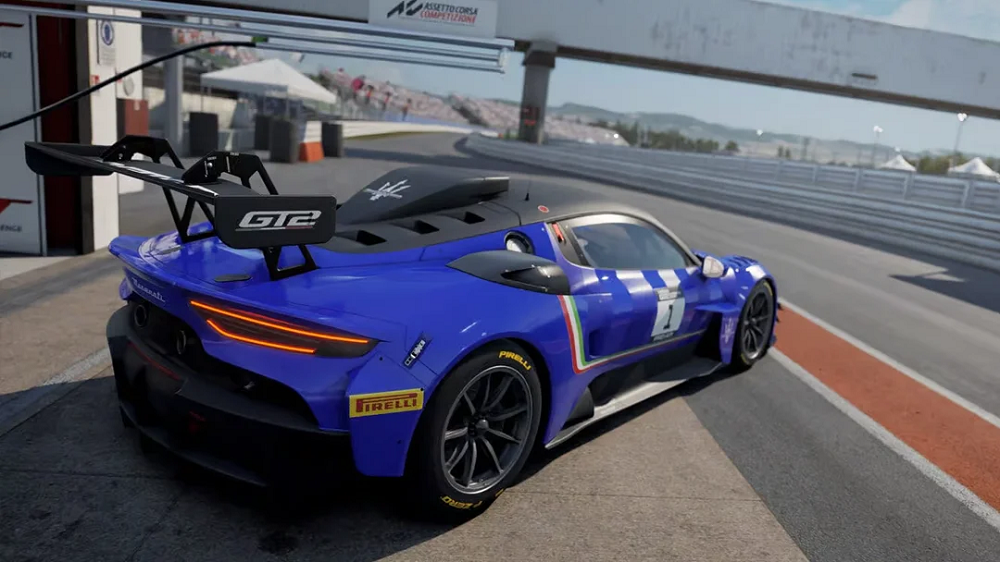
Assetto Corsa Competizione How to start car
Assetto Corsa Competizione How to Start Car Starting your vehicle is a necessary element of the race in real life, and with the game simulation and how it is built, it can replicate real life GT racing instructions and procedures. The company Kunos Simulazioni has simulation software that focuses on real world and driving inner workings of the vehicle that might come with spoken instructions in the real world as well as have detailed in game walls that are part of the vehicle that can be used and configured in the game or shut off. Because of the setting used, the game is more realistic and is built for competitive online racing.
The simulation creates real electrical systems, starter motors, engine mapping, and controls for pits. When these systems and controls are required, it is built to be realistic and works with the starter setup. The game requires you to complete the same setup that is in real gT3 and gT4 racing activities. This includes ensuring that your car is set for the system starting in the order it occurs. Understanding these systems is required in order to have a frustration free racing experience and to ensure you will not be left confused.
Default Settings to Quickly Begin Driving
Starting the car using default settings is very fast and uncomplicated. You are able to do this during practice and qualifying and in the race engine start is bound to a button. On PC, this is by default bound to E for ignition and S for starter. After the engine has started, the next steps are to put the car in gear and release the pit limiter before you can start accelerating. The purpose of this default setup is to simplify the process to allow newer players to focus on driving and not to worry about the steps in starting the engine.

On PlayStation and Xbox, this works the same, although which buttons you press will vary based on your control mappings. If for some reason your car doesn’t start, your ignition and starter functions will need to be set in control settings. This default approach is designed for new players so they can quickly start driving/ racing instead of worrying about complex settings.
Engaging Manual Engine Start for Realistic Sim Experience
Realistic Motorsport Sim experience demands fully engaging players. For total immersion, manual startup settings can be activated for the simulator. To set up this function, go to the control settings and set separate buttons for Ignition and Starter. Follow the right sequence: first press the Ignition button and wait for some seconds. Next, press and hold the Starter button to turn the engine on. Releasing the Starter button on time may cause the engine to not start, while holding it will cause the engine to start ignited.
While Manual Start improves focus and gives players a realistic experience, it also gives players a chance to develop the pre-racing habit o professional motor racing drivers, which is also particularly needed in endurance races, as they are the most time consuming of all racing types.
Typical Causes of Why a Car Won’t Start
Several players seem to have issues with the car not moving or responding at the start of the race. One not uncommon issue is that the ignition or starter functions have not been assigned in the controls. The engine will not start with improper mapping. Another issue occurs when manual clutch is enabled. If the clutch is not used, the car may stall or not move at all.

The pit limiter can even stop a car from moving. If the pit limiter is on, the car will not move even if the engine is running. Additionally, beginners often forget to shift into first gear and this results in a lot of avoided collisions. Making sure to check these things before every race will provide a lot of frustration-free gameplay.
Control configuration to improve start up
The best sim racers have the most optimally configured controls. Having a racing wheel with real ignition and starter buttons is also a big plus. Many high end wheels come with rotary switches and toggle switches just like in real GT cars. By setting ignition to a toggle and starter to a momentary button it makes it a lot easier to start the engine.Players using controllers should assign ignition and starter commands to buttons that are easy to reach. This way, players can improve their reaction time when starting the race and also avoid mistakes. Furthermore, adjustments to the pit limiter and traction control can be made using buttons that are close to the thumb, allowing the racer to concentrate better during the race.
Tips for Race Start and Launch
The race start can be the most important part in determining the success of the race. Squeeze the clutch and hold the engine at the desired RPM to improve acceleration and avoid wheel spin. Release the clutch gradually to improve control at the start and avoid traction issues.
Practicing the adjustments for launch control, throttle and traction will improve the race start. A consistent approach to the starting line and other grid elements will give the racer confidence and decrease the probability of mistakes in the first laps.
Starting the car is a skill that every racer must have to be successful in the simulator. Realism is enhanced and performance is improved. The setup must be correct and the racing must be practiced for all the elements to come together.