
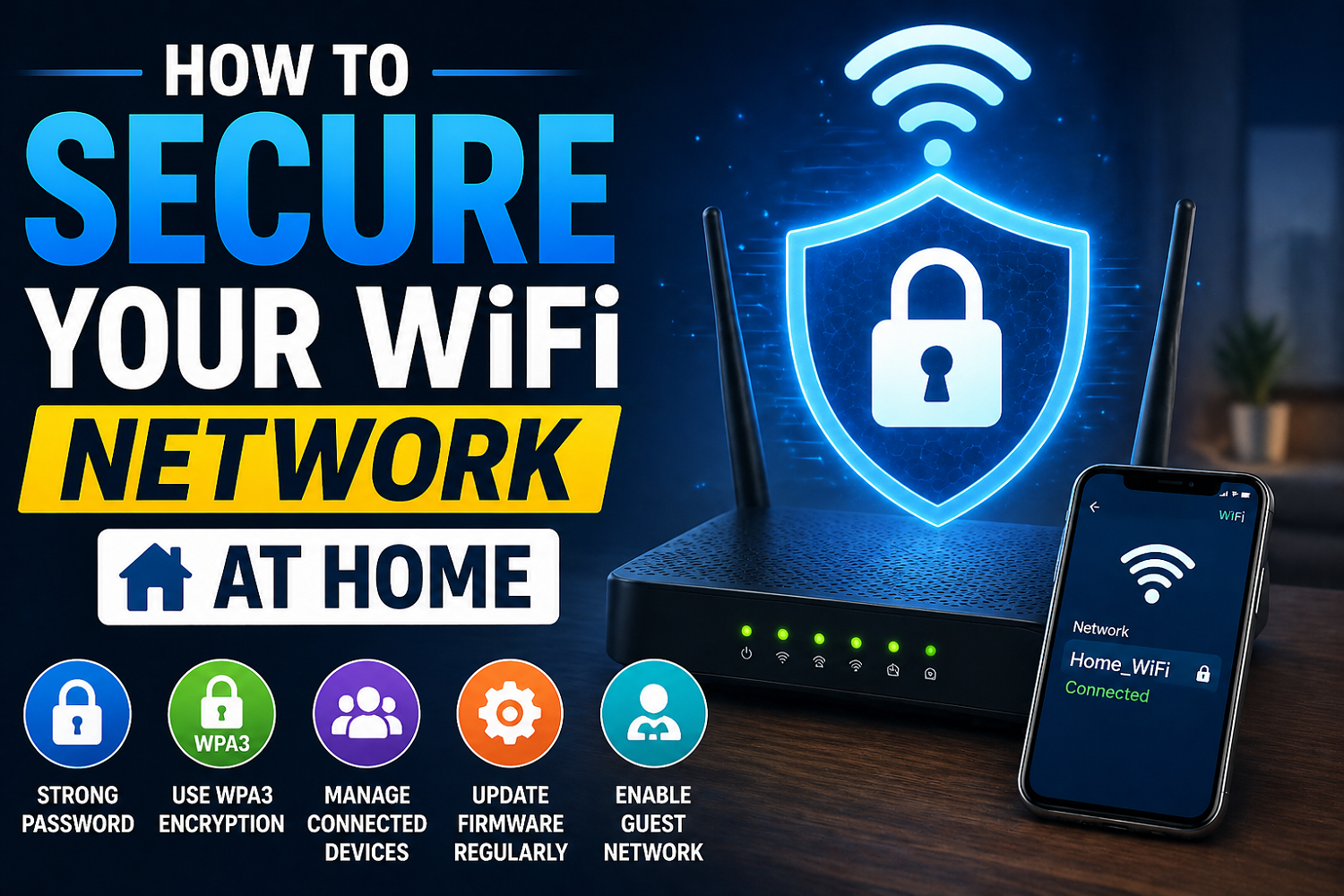
How to Secure Your WiFi Network at Home
It’s the doorway to your digital life. It links your phone, computer, smart TV and even smart home devices. It’s possible that if the network isn’t properly secured, someone could steal your data, access your Internet, and even monitor your online behavior. Many people believe “it will never happen to me”, but unsecured networks can be easy targets.
When someone gains control of your WiFi, it can be used to slow down or stop your internet, perform illegal acts, or hack into your device. Secure your WiFi now.
1. Change the default username and password of your Router
Most routers use default login credentials that are easy to hack.
As soon as your router is set up, you should go to the settings page and change your username and password. Use a good password that combines letters, numbers, as well as symbols.
If you think about this, it’s like changing locks on a house. You would not keep the keys from the old one.
2. Use Strong Encryption on WiFi (WPA3 / WPA2)
Encryption secures your network and prevents unauthorized access. When your router supports WPA3 you should always choose it. Otherwise, you can use WPA2. Avoid outdated options, such as WEP.
This setting is found under the wireless security tab of your router. It is important to use strong encryption methods so that anyone trying to access your wireless network will have difficulty.
3. Create a Strong WiFi password
Your WiFi password needs to be unique and difficult for others to guess. Avoid simple passwords.
A strong password:
- You must have at least 12-16 characters.
- Include uppercase and Lowercase Letters
- Contains numbers and special character
For example: T7@HomeWiFi!Secure99
The stronger the password, then the harder it is to hack in.
4. Hide Network Name (SSID).
Anybody nearby will be able to see your WiFi name (SSID). You can hide it and make your network invisible to anyone outside.
To disable , go to the router settings. This does not completely make your network invisible but it provides an extra layer for security.
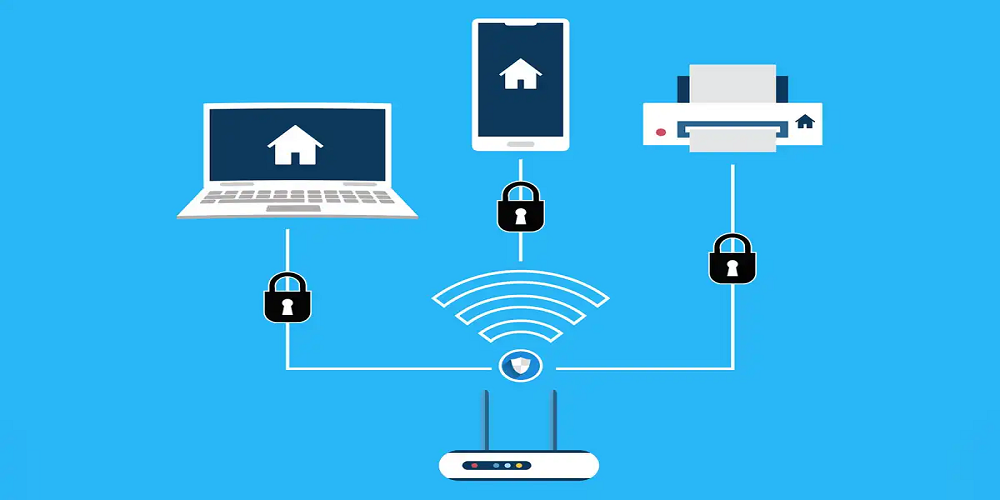
It is similar to not putting up your house number on the door. Not everyone will stop, but there will be less attention.
5. Filtering MAC addresses is enabled
Every device has a unique MAC address. MAC filtering lets you allow only certain devices connect to your WiFi.
Add your device’s MAC address to the settings of the router, and block those that are unknown. While it’s not foolproof, this is another way to prevent unauthorized users.
6. Stay up to date with your router firmware
Router manufacturers release software updates to fix bugs. Your network might be vulnerable if the firmware on your router is outdated.
Update your router regularly, or if automatic updates are offered, enable them. It will keep your network safe from any new attacks.
7. Turn Off Remote Management
Remote management is a way to remotely access your router. If not configured properly, remote management can be both useful and a security risk.
Do not enable this feature until you are sure that it is necessary. By keeping it off, you reduce the risk of external attack.
8. Use the Guest Network
If you have guests visiting, don’t reveal your main WiFi passcode. Create a guests network.
Most modern routers enable you to set-up a separate wireless network with limited accessibility. This helps to secure your main network while still allowing access for guests.
9. Monitor Connected Products
Check your WiFi connection regularly to see what devices you have connected. Disconnect the device immediately and change its password if it is an unknown one.
This simple practice will allow you to spot unauthorized access quickly and act before it gets out of hand.
10. When not in Use, turn off the WiFi
If you are going to be gone for a while, turn off your WiFi. You can eliminate all risks of unauthorized access by turning off your WiFi router during this period.
This is an effective and simple security measure.
Final Thoughts
You don’t have to be a techie to secure your WiFi home network. By changing the default settings on your device, using a strong password, enabling encrypted communication, and monitoring your WiFi network, you are able to protect your personal information and devices from possible threats.
Your WiFi is your digital home. Keeping it secure will ensure your privacy, your safety, and your peace ofmind.