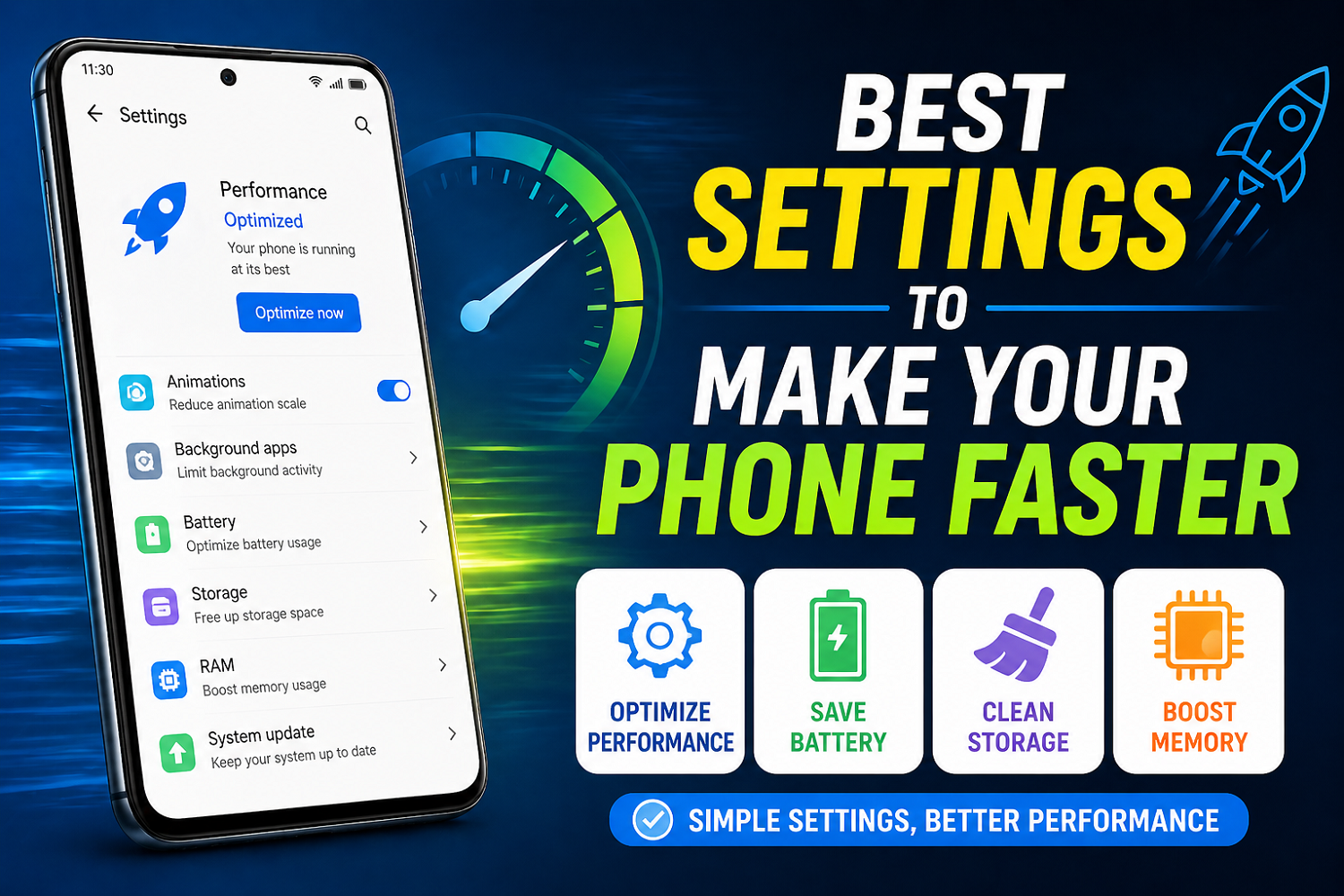
Best Settings to Make Your Phone Faster
Do you remember when your phone seemed to run super-fast? Now it seems to lag, freeze, or take forever to open an app? It’s normal. Over time, unnecessary features, background applications, and apps start to accumulate and slow things down. As you add things to your backpack, the weight increases.
The good new? You don’t even need to buy a phone. The right settings can help you boost the speed of your phone and make it feel as if it’s brand-new again.
1. Reduce or Turn Off Animations
Animations are great for making your phone look good, but slowing it down is not a good thing. This is especially true on cheaper devices. Your phone can feel faster if you disable or reduce them.
Tap the “Build Number 7 Times ” to enable Developer Option. Then, go to Development Options.
- Window Animation Scale Off or 0.5x
- Transition Animation Scale Off or 0.5x
- Animator Scale – Off or 0.5x
This small adjustment can dramatically improve responsiveness.
2. Limit Background Apps
Many apps are running in the background when you don’t use them. These apps consume RAM, slowing down your device.
Close the apps you no longer need. You can also disable background activity on heavy apps, like games or social networks.
It’s like closing tabs you don’t use on a computer. You can then focus your energy on what is really important.
3. Turn Off Auto Sync for Unnecessary apps
Auto-sync continuously updates apps in background, which can drain battery power and performance.
Turn it off in Settings, Accounts > AutoSync. It’s best to only turn it on when you need important apps, like your email or contact list.
This minimizes background activities and speeds up the phone.
4. Clear Cache Regularly
Cache files store temporary data. Although they can help your app load faster, too many cache files will slow down your device.
Go to Setting > Apps > Select app > Storage > Delete cache. Focus on apps, such as Instagram, YouTube, and browsers.
Your phone will be clean and responsive if you do this regularly.
5. Bloatware: Disable or remove it
These apps are pre-installed on most phones, but you may never use them. These apps take space and can sometimes run in your background.
It’s not always possible to uninstall these programs, but they can be disabled:
Select an application in Settings and disable it.
This reduces the amount of system resources used and increases performance.
6. Apps Lite are the Best Alternatives
The RAM and storage of apps that are large consumes more. Switching from heavier versions to lighter ones can have a significant impact.
Examples:
- Facebook Lite
- Messenger Lite
- YouTube Lite alternatives
These apps have been designed to be resource-efficient while offering all the essential features.
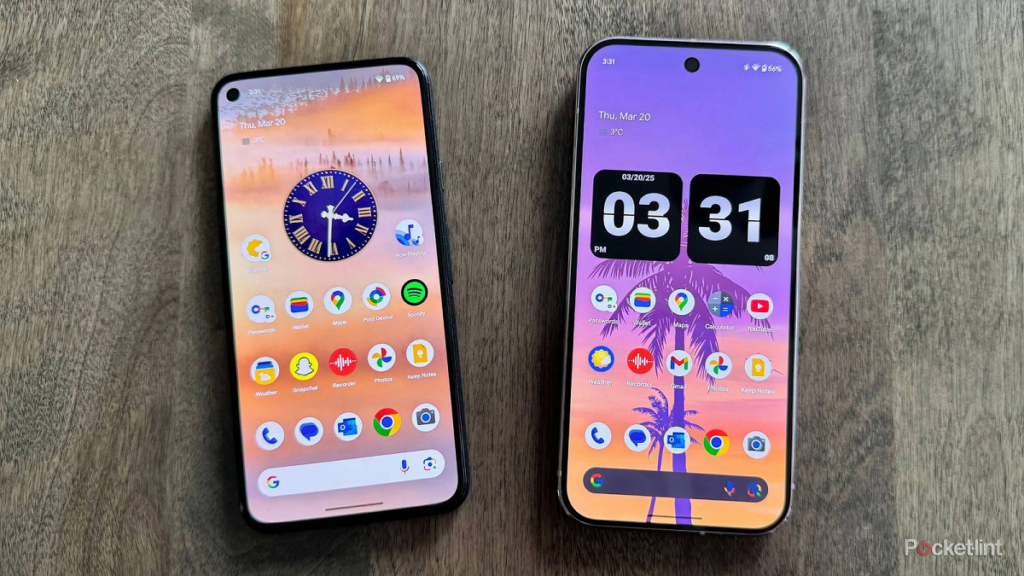
7. Turn off Widgets, Live Wallpapers
While widgets and Live Wallpapers look cool, they use CPU power and battery power constantly.
Change your wallpaper to static and remove any widgets you don’t need. This reduces the workload on your system, and increases speed.
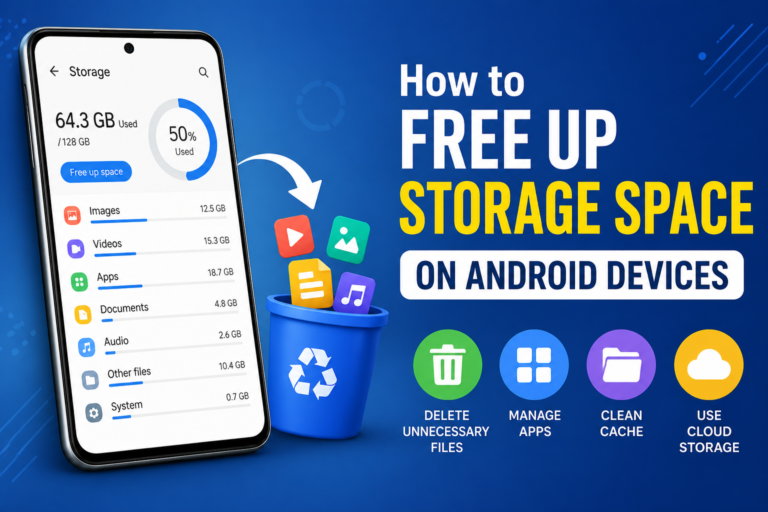
8. Storage Space: Keep It Free
You phone must have enough space to run properly. If your storage is close to being full, you will see a drop in performance.
Tend to leave at least 10-20% free of storage. Delete any unused apps, duplicate files and old files.
That’s it. A clean, fast phone is just that.
9. Update Your Software
Software updates are frequently accompanied by performance improvements and bugfixes.
Check your phone’s update status by going to settings > Software Update. Updates are a great way to fix speed issues and fix lag.
Final Thoughts
To make your phone faster, you don’t have to be a techie or spend a lot of money. You can drastically improve performance with a few tweaks.
The secret lies in consistency. Regular maintenance helps keep your phone in top condition and prevents future issues. You can use your phone for years if you treat it like a work space.